

How Does The User Web Portal Work?
The User Web Portal gives every team member their own dedicated space to manage their communication settings directly from any browser, without relying on an administrator for every change.
Explore Phones

Contact Management
Add, edit, and organize personal and shared contacts directly from the portal so important information is always within reach.
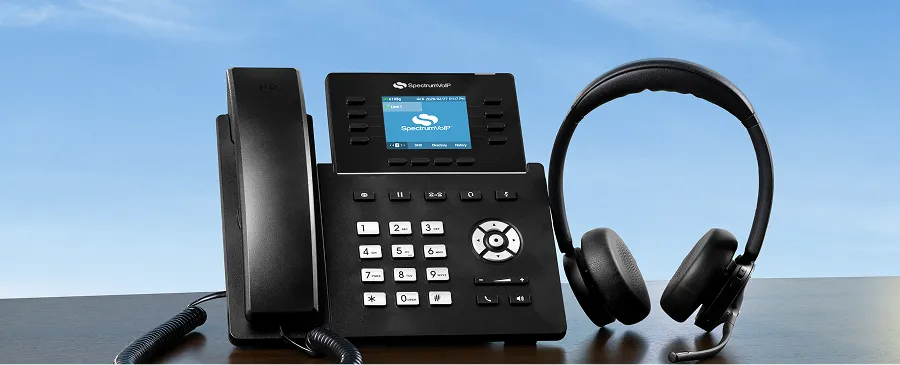
Full Personal Control
Each user can independently manage their own extension, voicemail, answering rules, and call preferences without waiting on admin support.
Call History Access
Review past call activity directly from your personal portal to stay on top of missed calls, recent conversations, and communication trends.

Voicemail Management
Check, manage, and configure your voicemail settings and mailbox directly from the portal, without needing to dial in.

Accessible From Anywhere
The User Web Portal is fully browser-based, so your team can access and manage their settings from any device with an internet connection.

Frequently Asked Questions About The User Web Portal
Yes. Every SpectrumVoIP user gets access to their own personal web portal at no additional cost, included with your phone system.
Yes. Each user can independently manage their own settings, contacts, voicemail, and answering rules directly from their personal portal.
No. The User Web Portal is entirely browser-based, so there's nothing to download or install, just log in from any browser and you're ready to go.