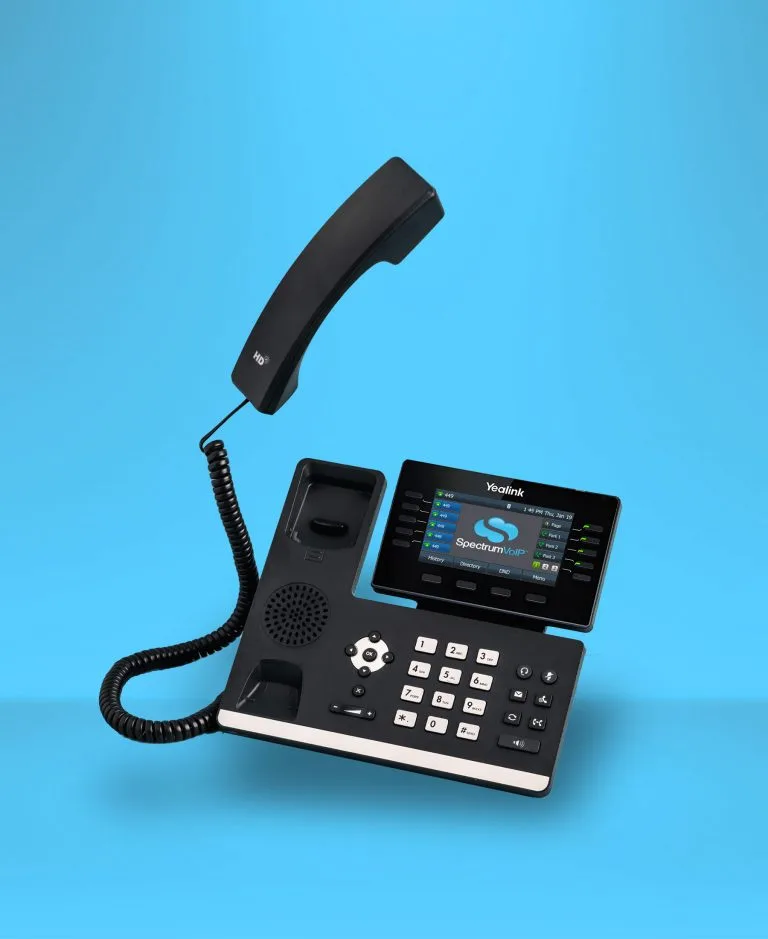

How Does Our Visual Voicemail Feature Work?
When a caller leaves a voicemail, the message is instantly captured and displayed in your visual voicemail interface. From there, you can see all your messages at a glance and manage them without ever dialing in.
Explore Phones

Better Organization
Sort messages into "new", "saved", and "trash" folders to keep your inbox clean and your team on top of every conversation.
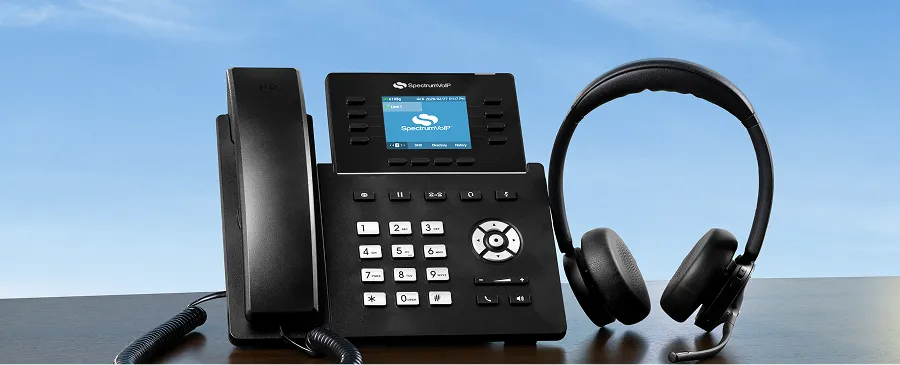
Faster Response Times
See all your messages at a glance and prioritize the ones that need immediate attention, without listening to each one in order.
Easy Team Collaboration
Forward voicemails directly to a colleague or department with just a tap, so the right person always handles the right message.

Accessible From Anywhere
Access your visual voicemail from the Stratus mobile app, StratusHUB desktop app, or any browser, in the office or on the go.

Reliable Documentation
Download voicemail messages as .wav audio files to keep a record of important conversations for accountability and compliance.

Frequently Asked Questions About Visual Voicemail
Yes. Visual voicemail is included with your SpectrumVoIP phone system at no additional cost.
Yes. Visual voicemail is available through the Stratus mobile app on both iOS and Android, so you can manage your messages from anywhere.
Yes. You can forward any voicemail message to another team member directly from the visual voicemail interface by entering their name or extension number.