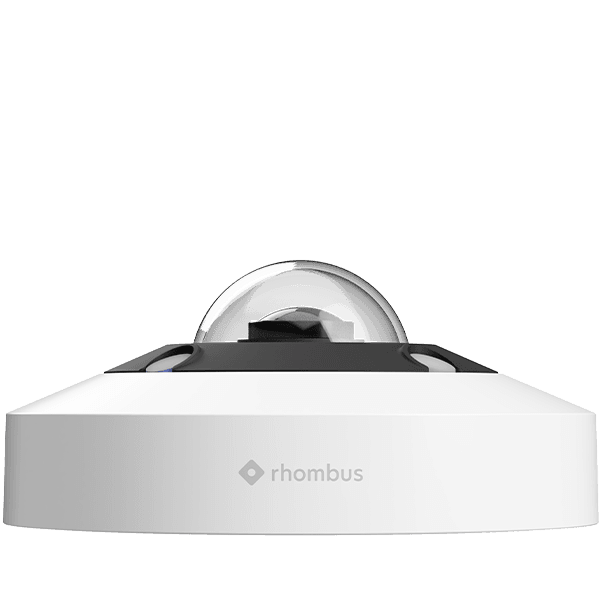
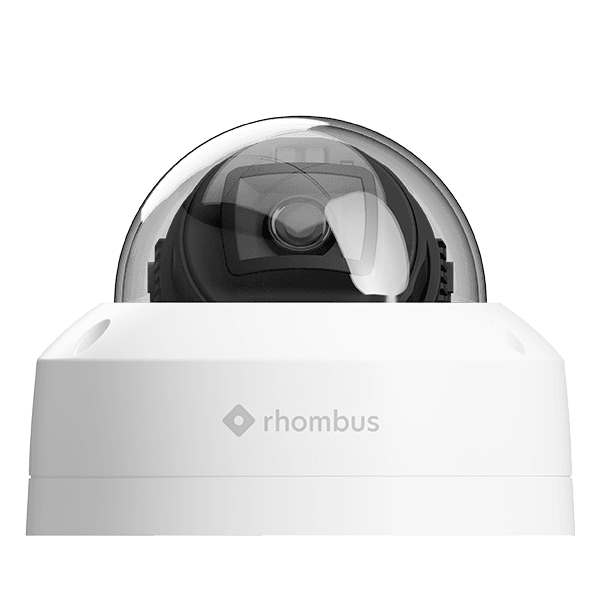
Experience the power of cutting-edge surveillance technology solution, custom-built just for you. Enjoy seamless installation and round-the-clock support from SpectrumVoIP. Designed with cutting-edge technology, these vandal and weather-resistant cameras offer top notch surveillance capabilities. AI Analytics and Sensor Compatibility: With built-in AI analytics and compatibility with Rhombus sensor, these cameras provide advanced video security that goes beyond traditional surveillance. Experience the power of real-time sensor data synchronized with video evidence, enabling you to streamline your response and enhance overall security. Custom-Built Solution: Every business has unique needs. That's why we offer custom-built surveillance solutions tailored specifically to your requirements. From seamless installation to round-the-clock support provided by SpectrumVoIP, we ensure a smooth and hassle-free experience. Fully Hosted Solution: Say goodbye to the need for onsite DVR/NVR systems. The fully hosted solution eliminates the upfront costs and provides the convenience of monthly payments. Enjoy up to 2 years of storage for your video footage, all managed in a secure and centralized platform. Multi-Location Integration: Whether you have multiple branches or offices, our cameras allow you to tie them all into a single surveillance platform. Monitor and manage your security from one centralized location, simplifying your security operations. and R360 Camera Resolution: 12MP Progressive CMOS sensor Aperture: F/2.8 Pant/Tilt/Zoom: Up to 2x digital PTZ Field of View: 180° Diagonal FoV, 180° Horizontal FoV, 180° Vertical FoV Focal Length: Immersive view - live, real-time dewarping Onboard Storage Included: 512GB or 30 days, 1TB or 60 days Ethernet: 10/100 Mbps, MDI/MDI-X auto sensing and All cameras are compatible with Rhombus Sensor Network and are compliant with CE, FCC, IC, AUS, NZ, NDAA and TAA.



.webp)