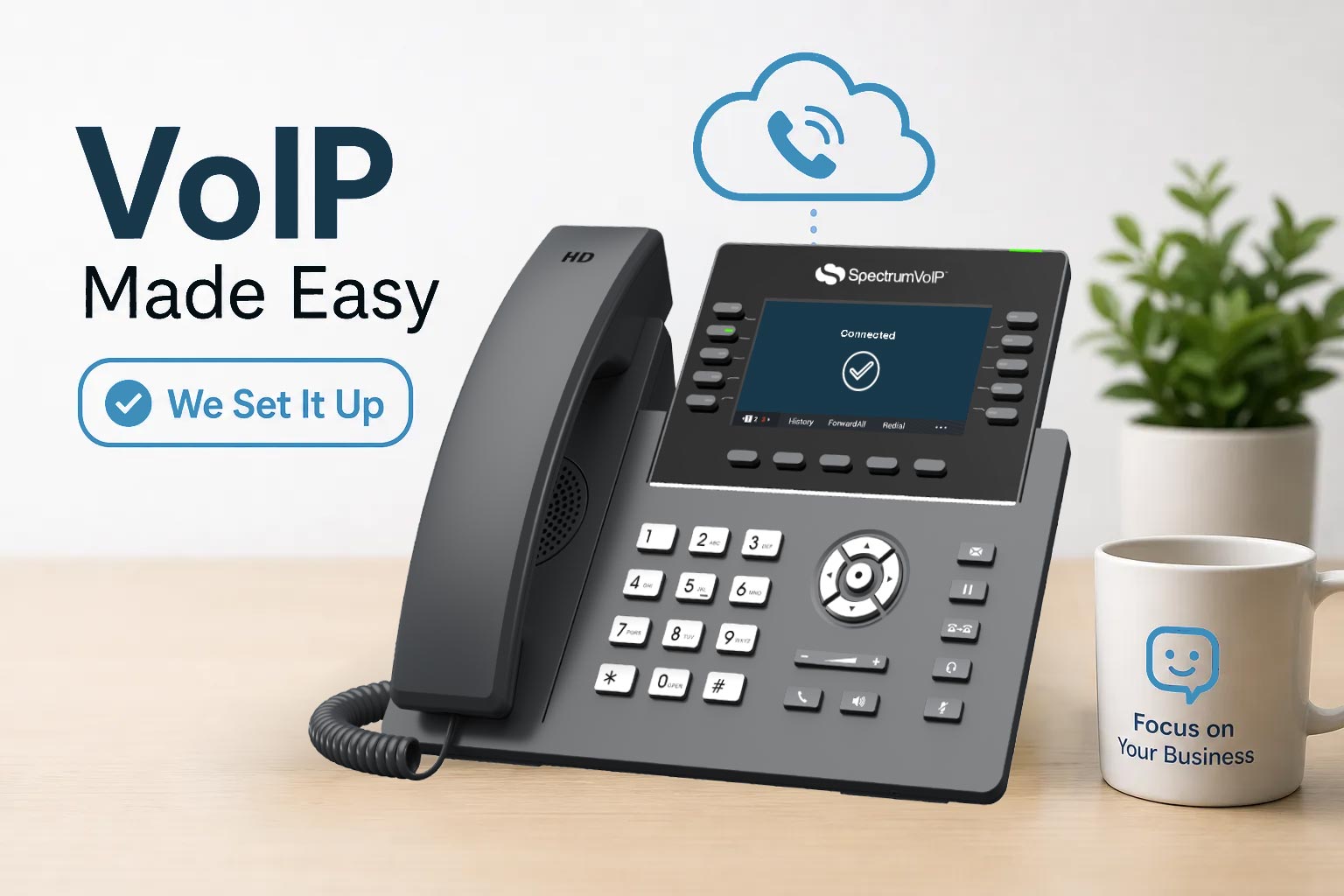
Yes, Someone Else Can Set Up Your Business VoIP System
Most business owners picture the same thing when someone mentions switching to a cloud phone system: a weekend buried in Ethernet cables, SIP credentials that don't work, an auto attendant that routes every call to voicemail, and a Monday morning where nothing rings. That mental image is enough to make anyone table the decision for another quarter.
So here's the short answer to the question many owners are quietly asking: yes, someone else can set up your business VoIP system for you, and for most companies, that's exactly how it should go. Professional VoIP deployment means a specialist handles every piece of the build, from configuring your call routing to porting your existing numbers to walking your staff through the features on day one. This guide breaks down exactly what that service covers, who provides it, what it costs, and the eight questions you need to ask before handing anyone the keys to your phone infrastructure.
Can Someone Else Set Up My Business VoIP System for Me?
A lot of business owners assume that because a VoIP system lives in the cloud, setup must be self-service. Some vendors offer only minimal onboarding, a login, a help article, and a wave goodbye. That approach shifts the configuration burden entirely onto you, and it shows on day one when the auto attendant reads back the wrong greeting or calls don't ring through after hours.
A full-service deployment is something different. It's closer to having a communications team show up and build your entire phone infrastructure from scratch. The scope typically includes SIP trunk configuration, handset provisioning by MAC address and user profile, call routing design (auto attendants, ring groups, business-hours rules), number porting from your current carrier, QoS settings to prioritize voice traffic on your network, and end-user training. Many providers and integrators treat these tasks as essential to dependable service, not premium add-ons. They're what separates a system that works from one that causes daily frustration.
When you hire someone to set up your business VoIP system, the best providers design it around your actual call flows rather than handing you a template and expecting you to figure out the rest. Every device arrives pre-provisioned. Every routing rule is built before go-live. The difference in day-one reliability is significant, especially for businesses where the phone is a core revenue channel.
The Four Types of People Who Can Set It Up for You
When it comes to who handles the deployment, most businesses have four realistic options: the VoIP vendor directly, a managed service provider, a local telecom installer, or a freelance technician. Each carries a different risk and cost profile depending on the size and complexity of your setup.
Vendor-Managed Onboarding: The Simplest Path
When your VoIP provider manages the setup themselves, there's one point of contact, one accountable party, and no contractor to find or vet separately. Full-service vendors typically assign a dedicated onboarding specialist who handles provisioning, porting, call routing configuration, and training as part of the service. The business owner answers questions during discovery and shows up for go-live. That's it. For most small and mid-sized businesses, this is the lowest-friction option available, and it's the model SpectrumVoIP is built around.
MSPs and Local Telecom Installers
Managed service providers are well-suited for complex, multi-location deployments or situations where the VoIP system needs to integrate with a broader IT infrastructure, including firewalls, VPNs, and server environments. Local telecom installers can handle physical cabling and on-site hardware, but they often don't own the software configuration side of the system. That creates a split-responsibility problem: the installer blames the platform; the platform blames the network; and you're in the middle trying to get someone to fix it. If you go this route, document who owns what before anything is touched.
Freelancers: When It Makes Sense (and When It Doesn't)
Freelance VoIP technicians are available through various platforms, and for a very simple deployment with no number porting and a handful of softphones, they can work fine. The risk climbs quickly for anything more complex. Freelancers carry no SLA accountability, and if something breaks two weeks after go-live, your recourse is limited. Anything involving multi-line porting, compliance requirements, or multi-site routing deserves a provider with real post-install support commitments. Opting to hire a VoIP installer without verifying their post-install accountability is one of the most common mistakes growing businesses make.
What the Onboarding Process Looks Like, Step by Step
The setup process stops feeling like a black box once you understand what actually happens between signing a contract and having a fully working system. Here's how a professionally managed deployment unfolds.
Phase 1: Discovery and Network Assessment
Before any configuration starts, the provider audits your current setup: number of users, existing phone numbers, call volume, internet connection quality, and any hardware already in place. This is where your onboarding specialist identifies network issues before they surface as day-one problems. Your job during this phase is to answer questions, not run diagnostics. If the ISP connection isn't business-grade or the switch can't handle VLANs, the specialist catches it here rather than on cutover day.
Phase 2: Configuration and Provisioning
The backend work happens before a single device ships to your office. Call routing is built in the cloud, auto attendant scripts are recorded and configured, and voicemail boxes are assigned. Phones are pre-provisioned to specific users by MAC address, which means when hardware arrives at your location, it's already tied to the right extension and ready to register. Plug it in, and it works. That pre-provisioning step is what spares you from spending go-live day hunting down extension assignments and re-entering credentials by hand.
Phase 3: Number Porting and Cutover
Number porting, moving your existing business numbers to the new system, is the task that controls the timeline. Simple ports can complete in 3 to 7 business days. Multi-line or more complex configurations typically take 2 to 4 weeks, and toll-free numbers often fall at the longer end of that range. Everything else in the deployment can be staged in parallel, so porting is usually the only thing determining your go-live date. On cutover day, the specialist confirms every handset, tests call quality end to end, and walks your team through features. Most businesses are fully live within a few hours.
Realistic Costs and Timelines to Plan Around
The numbers vary depending on how many users you have, how much hardware you need, and how complex your routing is. Here's an honest breakdown so you can budget accurately.
What Professional VoIP Setup Typically Costs
For a 10 to 25 user small business, a professionally deployed system with hardware and number porting typically lands between $3,000 and $8,000 upfront. The cost breaks down roughly like this:
- Setup and provisioning fees: $0 to $200 for cloud systems (many full-service vendors waive this entirely)
- Number porting: $5 to $30 per number
- IP desk phones: $50 to $300 each depending on the model
- On-site labor for more complex installs: $500 to $2,000 or more
Many vendor-managed VoIP installation services bundle setup into the monthly service fee, so you're not writing a separate check for installation labor on top of your plan. SpectrumVoIP's setup-included plans are structured this way, confirm the specifics directly with a specialist.
How Long the Whole Process Takes
A typical small-to-mid-sized business should plan for 2 to 4 weeks from kickoff to cutover. Simple cloud deployments with no porting can move in 1 to 2 weeks. Multi-site rollouts stretch to 6 to 8 weeks, sometimes longer depending on carrier timelines and network complexity. Set that expectation at the start so your team isn't surprised when the process takes three weeks instead of three days.
Network Prerequisites Your Site Needs Before Install Day
The provider handles the VoIP configuration. Your network has to be ready to support it. These are the items to confirm or address before the installer shows up.
Internet Connection and Bandwidth
Business-grade internet, fiber preferred, is a firm requirement for managed VoIP services. VoIP calls consume roughly 100 Kbps per concurrent call based on standard codec overhead, but when you add video conferencing, cloud apps, and general office traffic, that number climbs fast. A consumer-grade or shared connection introduces latency and jitter that degrade call quality in ways no amount of software configuration can fix. Bundled VoIP plans that include business-grade internet remove this variable entirely and give one provider accountability for the full quality chain from connection to handset, worth asking about when you're evaluating options.
Switches, Routers, and Cabling
A managed switch, not a consumer-grade router pulled from a closet, is required to support VLANs and QoS rules that prioritize voice traffic over general data. PoE-capable switches power IP phones directly over the Ethernet cable, eliminating the need for separate power adapters at every desk. Cat6 or Cat6A cabling should already be run to desk locations before the installer arrives. Cable pulls are a separate scope item and aren't included in a standard VoIP deployment, so if your office needs new runs, schedule that work in advance.
Eight Questions to Ask Before You Sign with Any VoIP Installer
These questions expose the gaps between what a provider promises in the sales call and what actually gets delivered on go-live day. Ask all eight before you sign anything.
Questions About Scope and Accountability
Who owns the number porting process, and what happens if a port request gets rejected or delayed? What's the recovery plan if cutover doesn't go cleanly and calls fail on go-live day? Is post-install support included in your contract, or is it billed separately per incident? What's the SLA for response time when calls go down, and can you get that in writing? Providers who hesitate on any of these questions are telling you something important about how they handle problems after the sale.
Questions About Fit and Experience
Have they deployed this system for businesses your size and in your specific industry? A healthcare clinic and a construction company have very different routing and compliance requirements. Will you have a named onboarding contact, or does your project move through a ticket queue? Can they provide at least two references or case studies from businesses similar to yours? And do they conduct a network assessment before configuration starts, or do they begin provisioning and hope your infrastructure can support it? The right provider answers all of these without hesitation, and probably has the answers ready before you ask.
Stop Managing the Setup Yourself
Setting up a business VoIP system is not your job. It's the provider's job. The right provider shows up with a plan, builds the system around how your business actually operates, and hands you a fully running phone infrastructure on go-live day with nothing left for you to configure, troubleshoot, or figure out on your own.
If you've been asking yourself whether someone else can set up your business VoIP system for you, the answer is yes, and with the right provider, you won't need to be involved beyond a discovery call and a go-live walkthrough. SpectrumVoIP's onboarding model is built around that principle. A dedicated specialist handles provisioning, porting, call routing, and user training as part of the service. If you've been delaying the switch because setup feels like a project you don't have bandwidth for, you were never supposed to manage it.