Desk Phone vs. Softphone vs. Mobile App: Which VoIP Setup Is Right for Your Team?
When a business moves to VoIP, one of the first questions on the table is always about hardware: do we buy desk phones, or do we just use software? The honest answer is that neither is universally correct. The right setup depends on what each employee does all day, not a blanket preference for physical or digital.
SpectrumVoIP supports all three endpoints, and every plan includes the mobile app and desktop softphone at no additional cost. Physical IP phones are available as optional hardware. That flexibility exists precisely because different roles have different needs.
Desk Phones: When Physical Hardware Still Wins
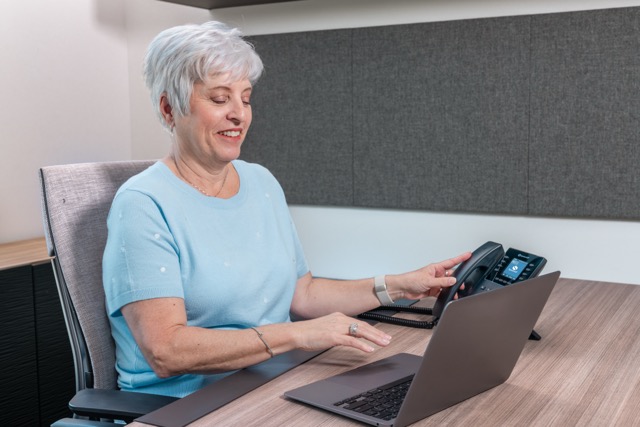
IP desk phones remain the right call in specific, high-volume environments. The argument is not nostalgia for hardware; it is about cognitive load and reliability.
Receptionists transferring calls under pressure, call center agents handling 100+ calls per day, and conference room phones all benefit from dedicated hardware. Programmable keys show BLF (Busy Lamp Field) status across extensions at a glance. Physical buttons eliminate the click-through layer that slows down a software interface during high-volume moments.
The trade-off: every desk phone is a capital expense, a provisioning task, and a piece of hardware that stays on one desk. If that employee goes remote for a day, their extension goes dark unless your phone system has a proper failover setup.
"Front desk and call center staff almost always benefit from a physical desk phone. Field workers almost never need one. Most businesses end up deploying a mix of all three across different roles."
Softphone with Headset: The Power User Setup
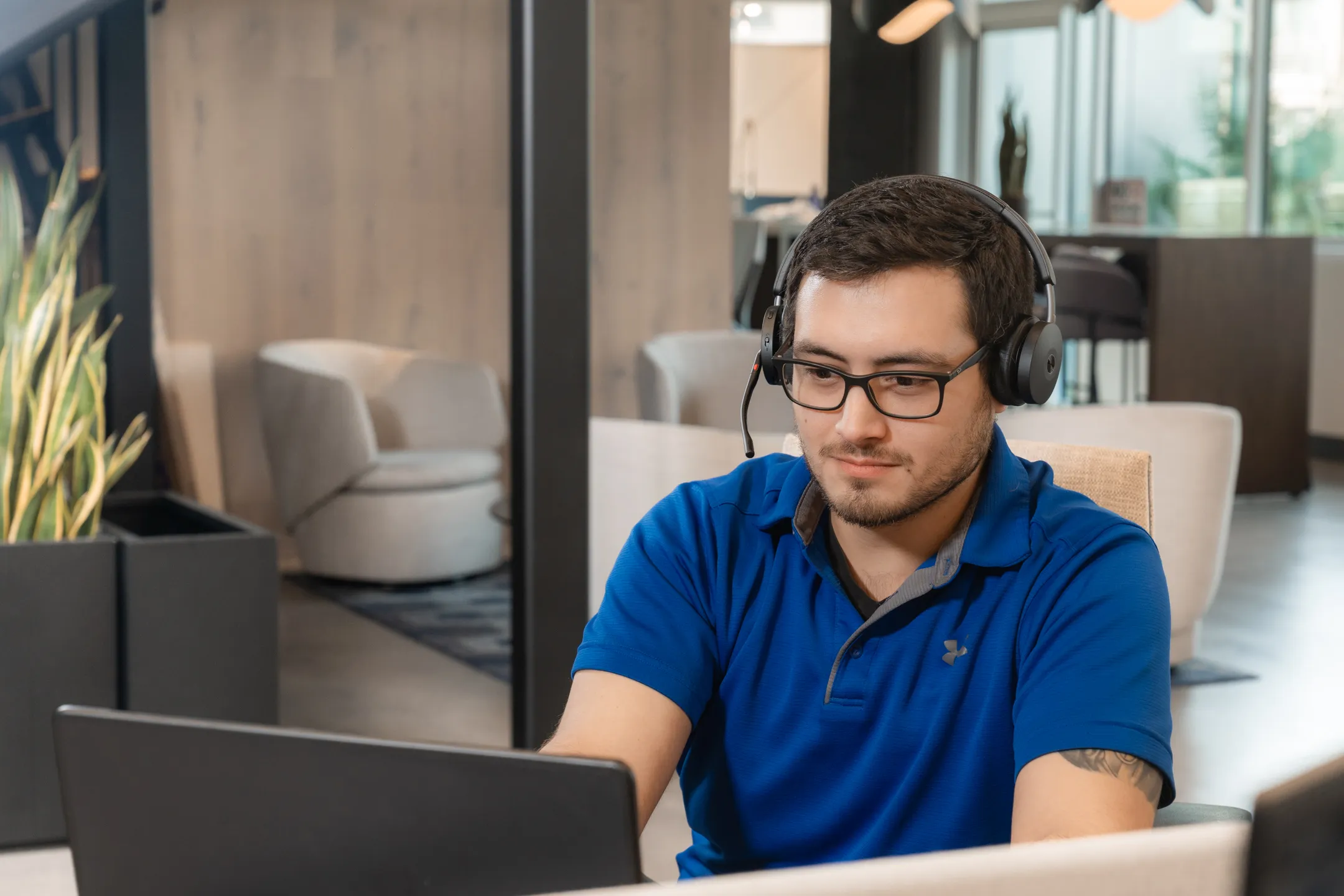
A softphone is a software application installed on a laptop or desktop that replicates every function of a desk phone, paired with a headset for hands-free calling. This is the fastest-growing configuration in business VoIP because it removes the hardware investment while maintaining professional call quality.
For remote workers, hybrid teams, and anyone who spends significant time on the phone while also working in other applications, the softphone with headset setup delivers the best of both worlds. CRM integration is seamless because the softphone lives on the same machine as every other business tool. Call pops, click-to-dial, and automatic logging happen without switching devices.
Quality headsets make a meaningful difference.
Mobile App: The Setup That Goes Where Your Team Goes
The SpectrumVoIP mobile app extends your business phone system to any iOS or Android device. Calls come in and go out on your business number, not your personal cell. Voicemail, call history, and transfer capabilities all work the same way they do in the office.
Mobile VoIP has improved dramatically with 5G adoption. Grand View Research projects 12.9% annual growth in mobile VoIP through 2030, a number driven by the closing quality gap between mobile and desk phone audio on high-bandwidth connections.
You Do Not Have to Choose One for Everyone
The smartest VoIP deployments mix all three endpoints based on role requirements. A 40-person company might run desk phones for a four-person front desk team, softphones for 25 remote employees, and mobile apps for 11 field technicians. Every user still operates under the same SpectrumVoIP phone system, the same admin portal, and the same number.
The cost difference is significant. Eliminating unnecessary desk phones from roles that never needed them reduces hardware spend substantially and removes ongoing maintenance overhead from IT's plate.
How SpectrumVoIP Supports All Three
Every SpectrumVoIP plan includes the desktop softphone and mobile app with no additional per-user fees. IP desk phones are available for roles that benefit from them, with provisioning support included. Your admin portal manages all three endpoint types from a single interface, and features like call recording, voicemail, auto-attendant, and AI sentiment analysis work identically across all of them.
If you are moving from a competitor like Nextiva, RingCentral, or 8x8, the transition includes full porting support for your existing numbers and provisioning guidance for whichever hardware mix makes sense for your team.
Not Sure Which Setup Fits Your Team?
Talk to a SpectrumVoIP specialist. We will map the right endpoint mix to your roles, your headcount, and your budget.